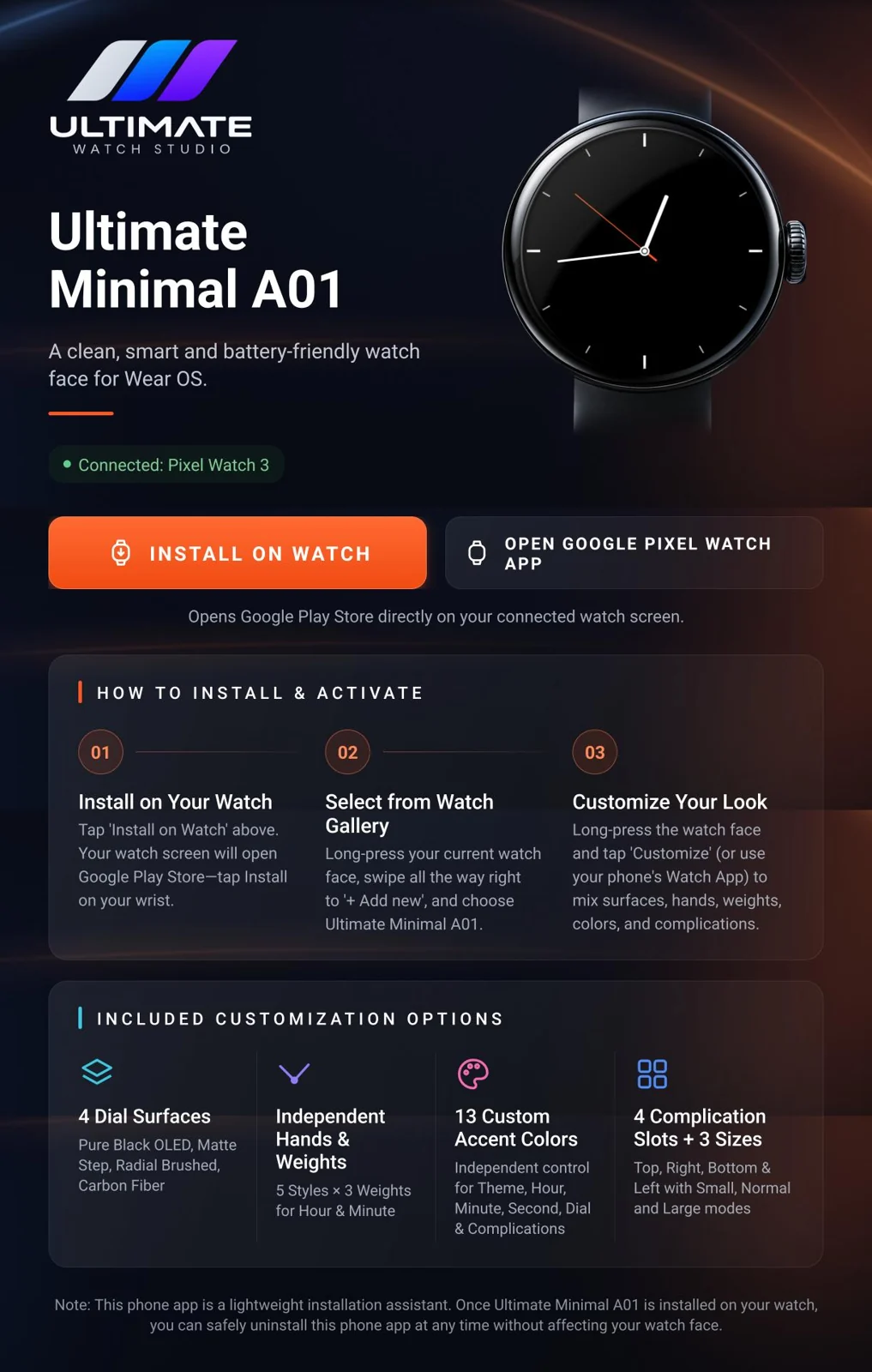
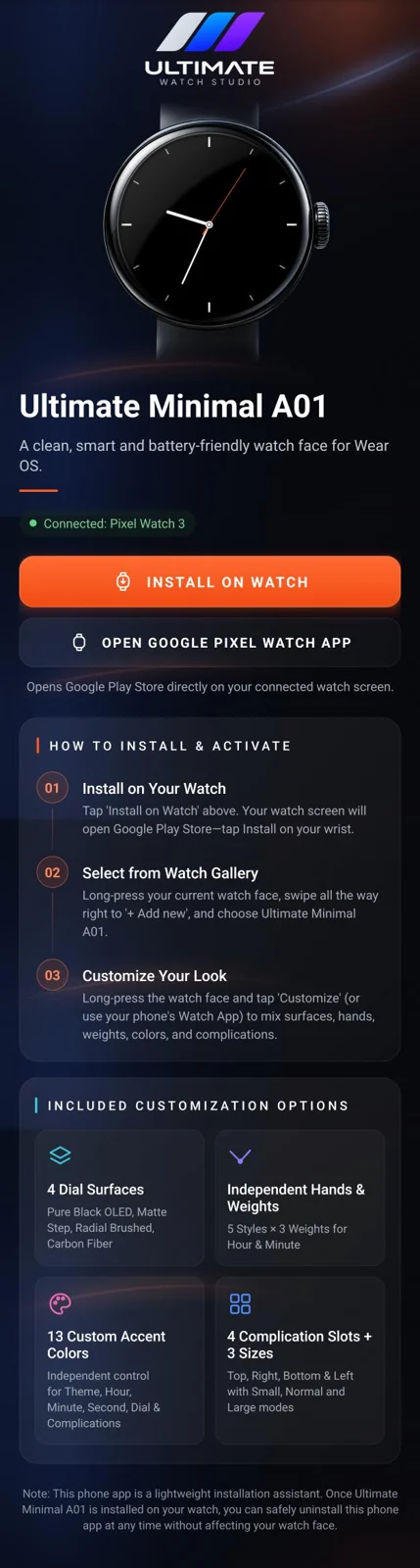
4 dial surfaces
Pure Black OLED, Matte Step, Radial Brushed and Carbon Fiber.


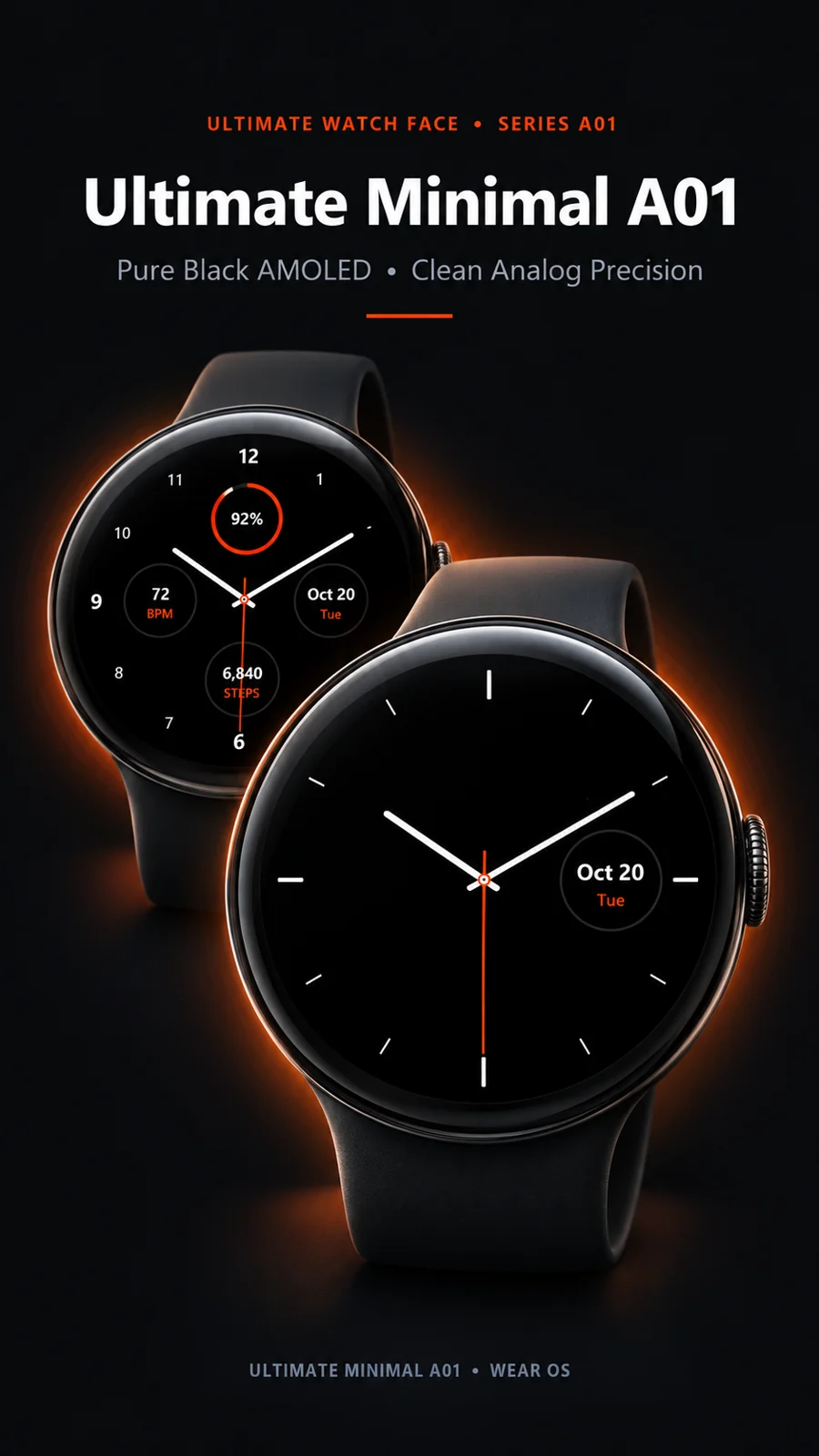
Minimal, battery-friendly watch faces for Wear OS. Pure black AMOLED, clean analog precision, designed for Pixel Watch.


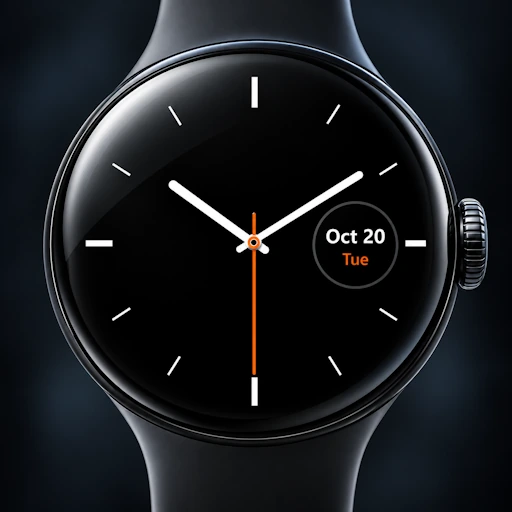
Meet Model 01, Ultimate Minimal: a clean, smart and battery-friendly watch face for Wear OS.
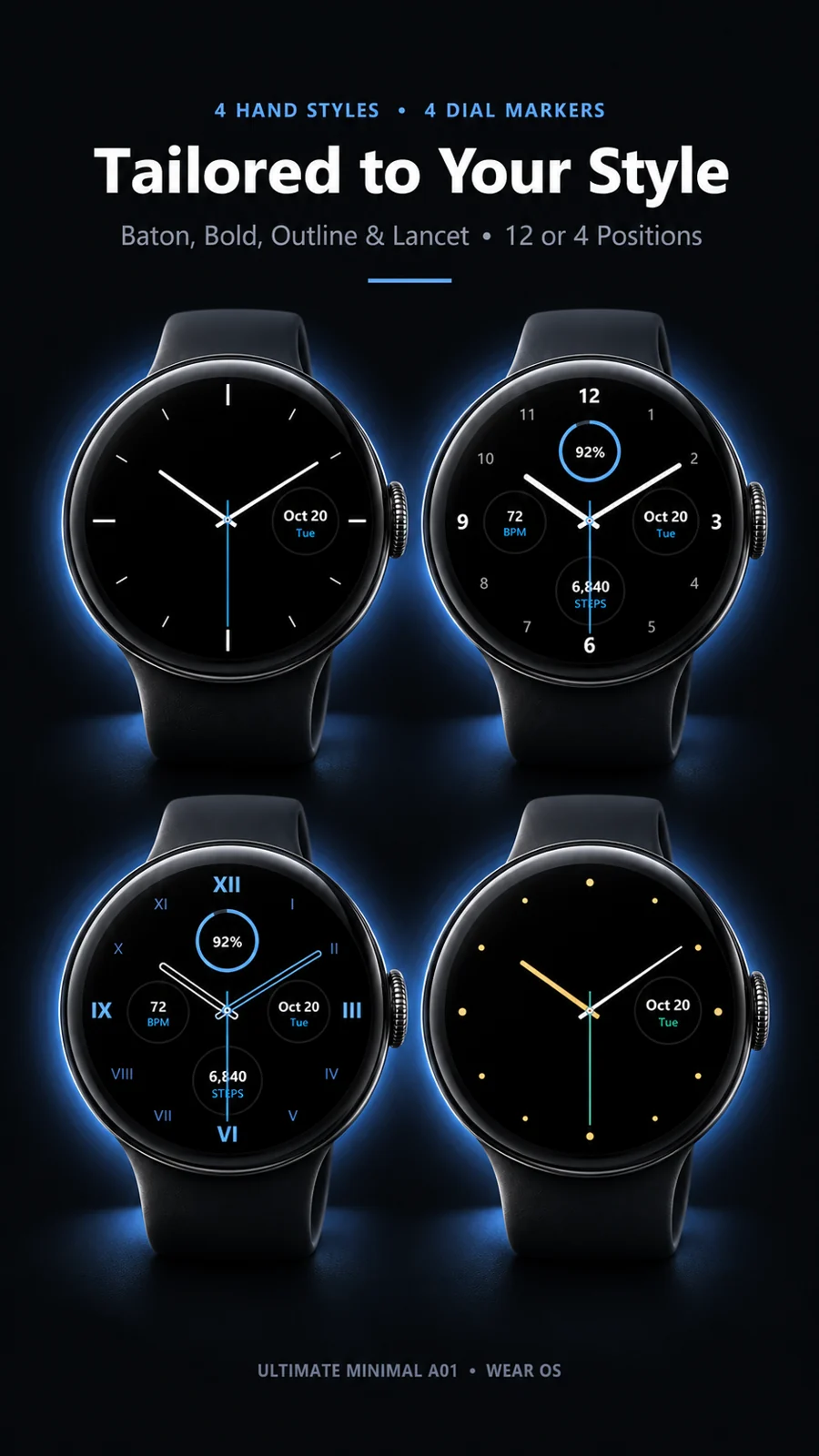
Pure Black OLED, Matte Step, Radial Brushed and Carbon Fiber.
5 styles × 3 weights for the hour and minute hands.
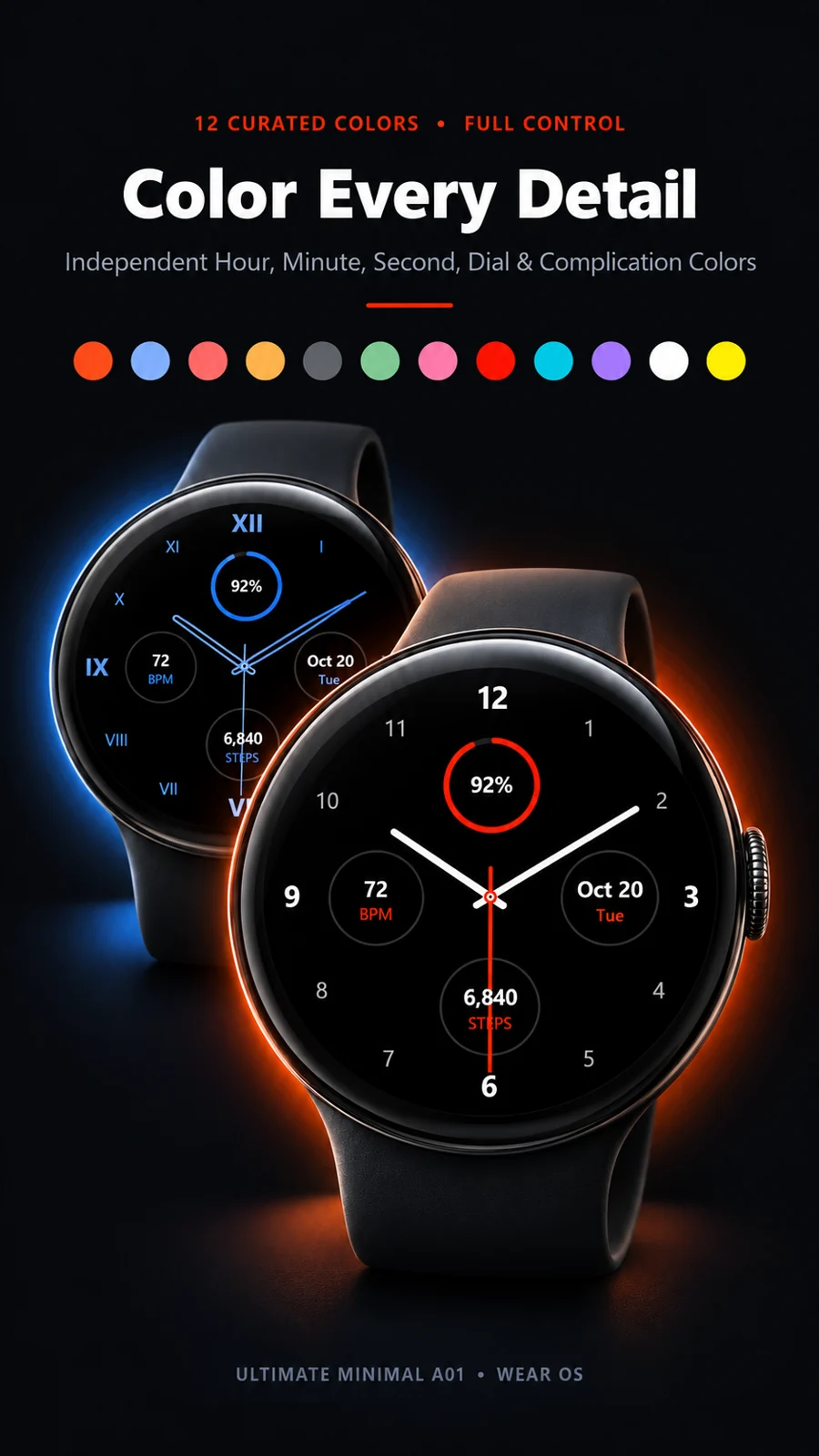
Set theme, hour, minute, second, dial and complication colors independently.
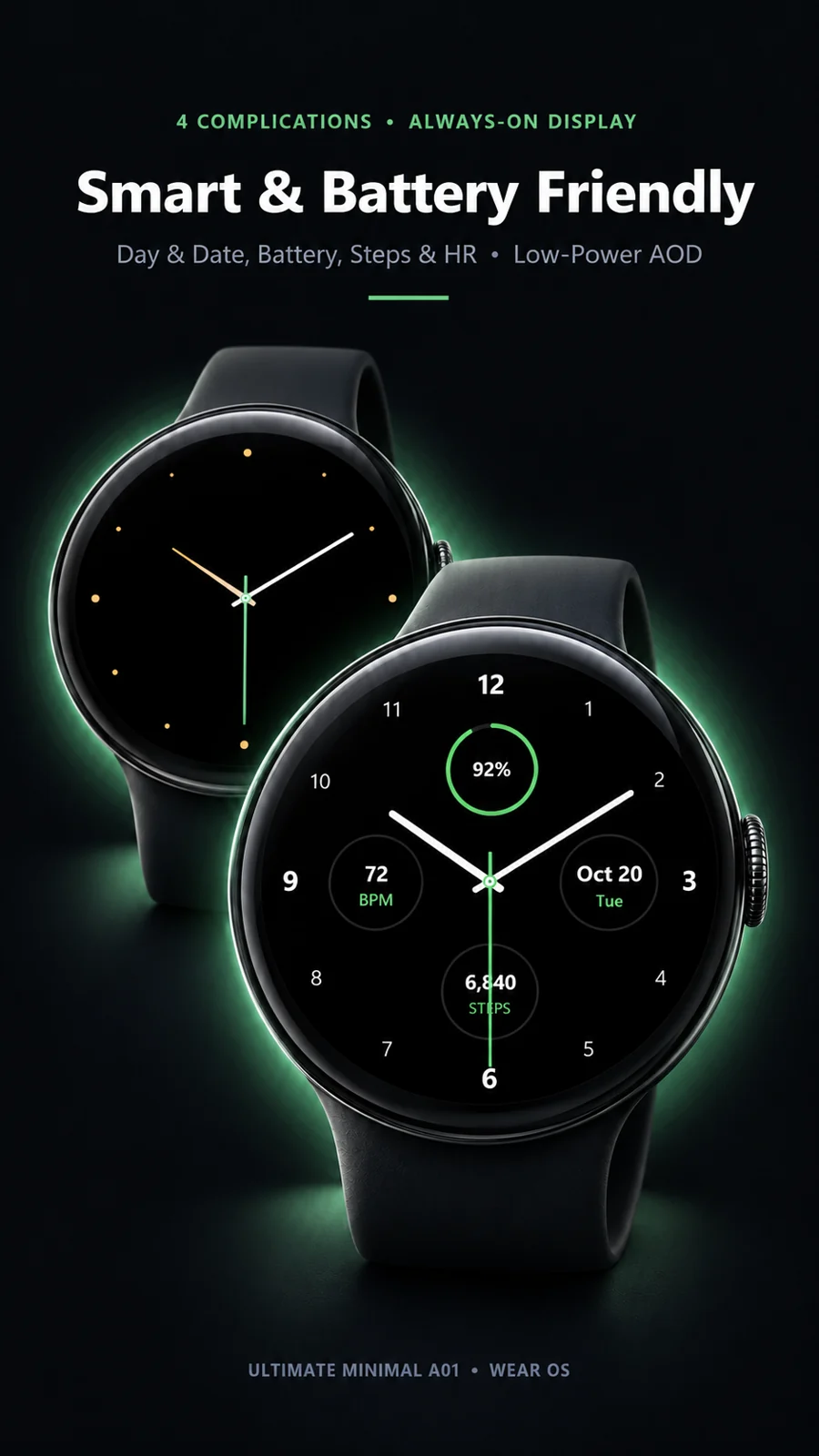
Top, right, bottom and left, each in small, normal or large.
The free companion app for Android phones and tablets sends the watch face straight to your connected watch.
Open the companion app and tap Install on Watch. Google Play opens on your watch: tap Install on your wrist.
Long-press your current watch face, swipe all the way right to + Add new, and choose Ultimate Minimal A01.
Long-press the watch face and tap Customize, or use your phone’s watch app, to mix surfaces, hands, colors and complications.
The phone app is a lightweight installation assistant. Once the watch face is on your watch, you can uninstall it anytime without affecting your watch face.

Point your phone’s camera at the code to open the new Series A in Google Play.
Wear OS watches that support Watch Face Format (Wear OS 4 and later), including Pixel Watch. Google Play only offers the install on compatible watches.
It is built for AMOLED: pure black pixels stay off, and the always-on mode switches to a minimal, low-power layout.
Long-press the watch face and tap Customize, or open your phone’s watch app.
No. Once the watch face is installed on your watch, you can uninstall the companion app without affecting it.
Leave your email and we’ll let you know when the next series launches. No spam.
We’ll only email you about new releases. Unsubscribe anytime. Privacy policy.